Steps to connect to Santander Empresas Mexico:
-
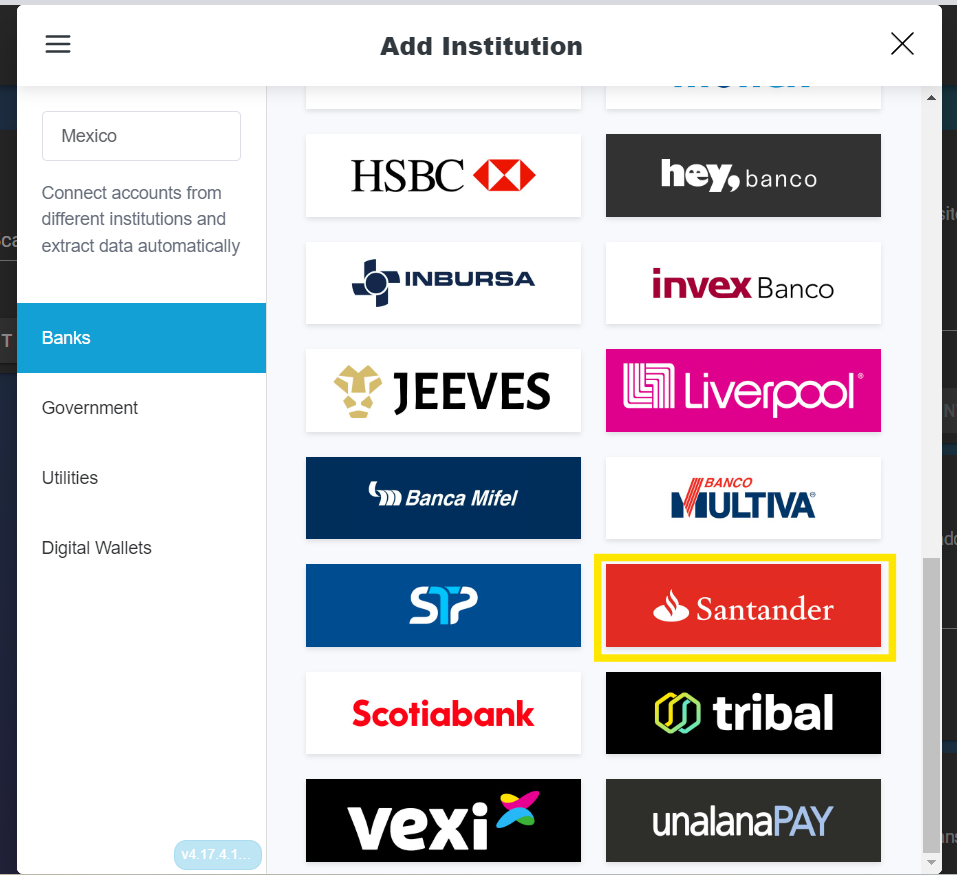
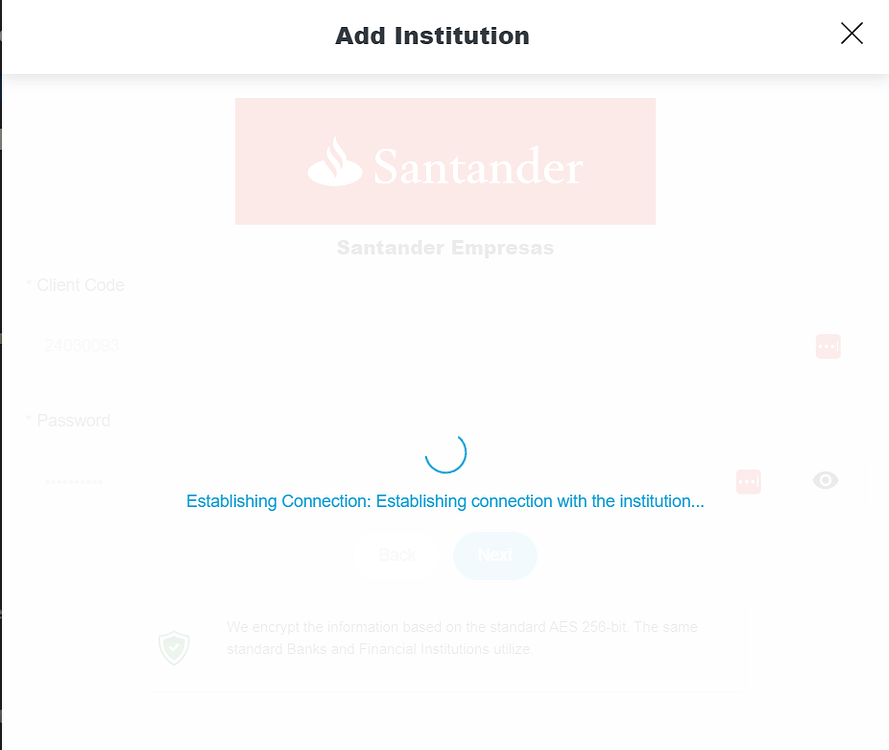
Ensure your device is connected to your computer and select Santander Empresas in the Syncfy widget.
-
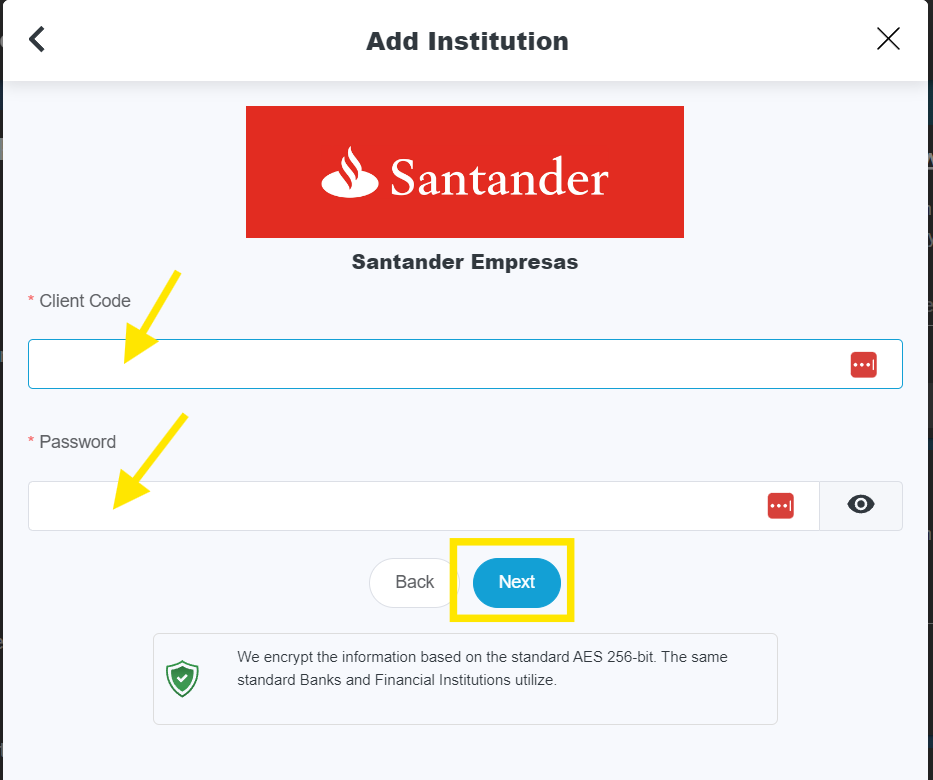
The credentials used to access the banking portal are captured.
-
We wait for the connection to be established
-
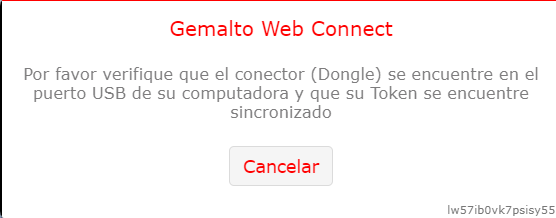
A WebConnect window will pop up, the software of the institution “Santander Empresas”, for this you need to have the Santander Doggle and have it connected through the USB device
-
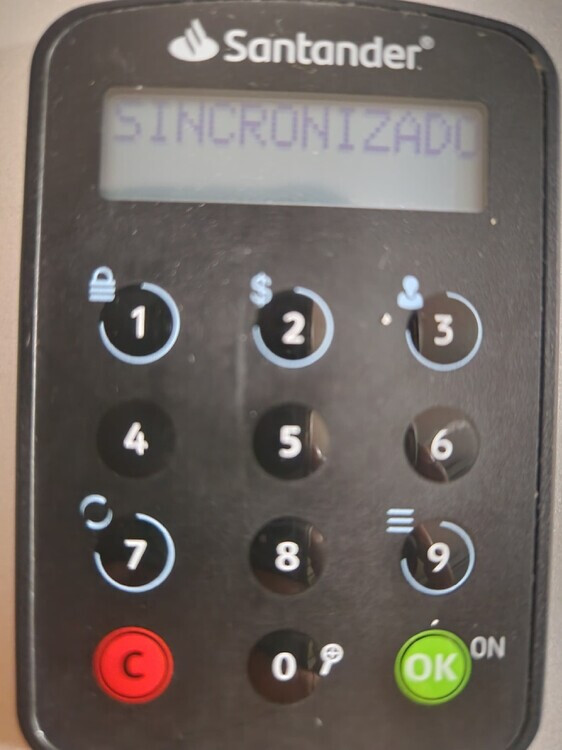
Press the digit “7” on the Doggle keypad and wait until it says “Sincronizado”.
-
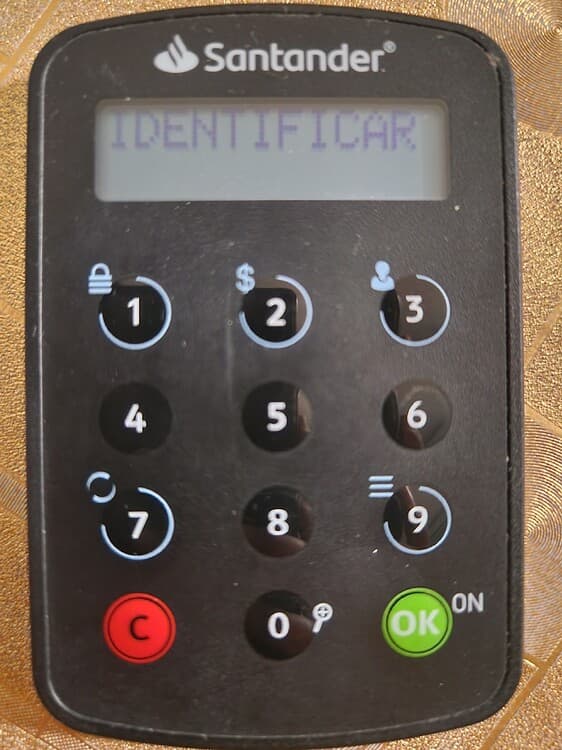
Once synchronized, it asks us to “Identificar”; we press the “OK” button on the Doggle.
-
It will ask for the PIN, press the 4 digits of the PIN and press “OK” again.
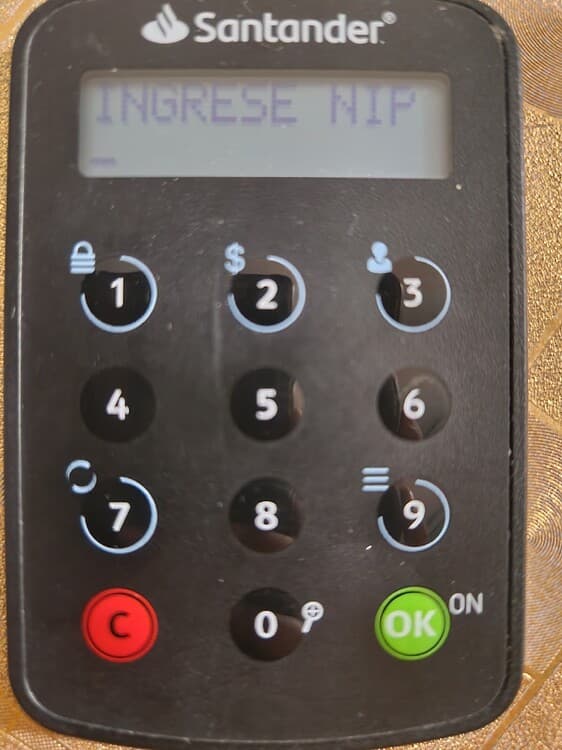
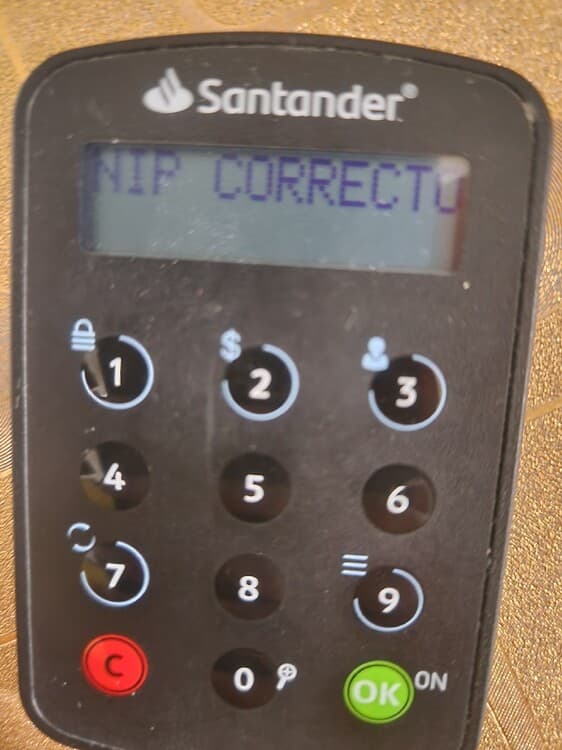
8.- Once the correct PIN appears in the doggle, the institution will indicate that the connection has been established and will continue with the synchronization process.
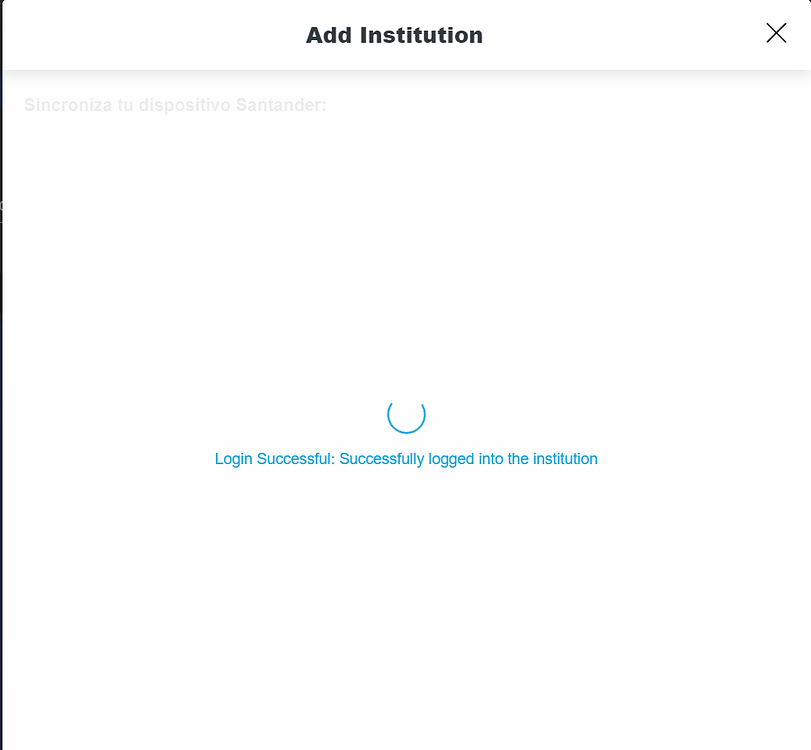
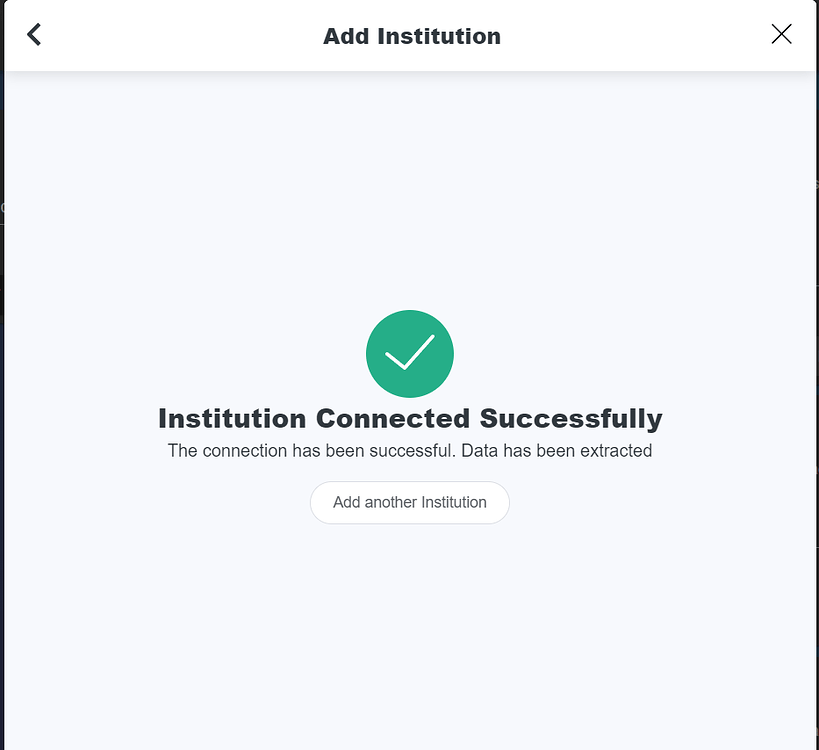
- Upon successful synchronization, we will see a message similar to the following: